
A broadcast can go wrong fast, even when everything looks fine. One minute you’re airing a normal newscast, the next minute viewers see static or hear nonsense.
If you’ve ever missed a signal during a storm, you’ve felt the problem firsthand. Broadcasters have to respond under pressure, because trust drops when the feed breaks. Broadcast technical failures aren’t just “annoying,” they can mean dead air, lost range, or a hijacked signal.
So how do they handle it when something fails? They rely on fast detection, practiced repair plans, and backups that kick in before audiences notice. They also invest in monitoring tools and newer TV standards that improve signal strength and resilience.
In the sections below, you’ll see the most common glitches that hit TV and radio, what crews do in the moment, and how smart prep plus newer tech reduces failures over time.
Common Technical Glitches That Disrupt TV and Radio Broadcasts
Broadcast failures usually start small. Then they snowball because a station has one job: get the signal out, on time, to thousands of homes.
Weather is the headline risk, but it’s not the only one. Equipment ages, maintenance gets skipped, and in some cases, people try to hijack the airwaves on purpose.
Here are the disruptions broadcasters deal with most often:
- Storm and power damage that knocks out towers or weakens antennas
- Overheating, water intrusion, and pest damage that break transmit paths
- Maintenance misses like dirty feed lines and detuned components
- Signal intrusions and hacks that create fake audio or video
- Transmission drops between studios, towers, and distribution networks
In older cases, the public saw the chaos clearly. For example, the Max Headroom signal hijacking hit Chicago TV in 1987, sending a pirate video into home viewers. Details of the incident are documented in Max Headroom signal hijacking – Wikipedia. It’s a reminder that “technical failure” can also include security failure.
Meanwhile, signal intrusions aren’t new. In 1977, a broadcast in southern England briefly aired a hoax audio message before it returned to normal. See Southern Television broadcast interruption – Wikipedia for the timeline and context. Even short interruptions create long-lasting distrust.
Weather and Power Outages That Cut Signals Short
A storm can act like a loose connection on a phone cord. At first, it might work “mostly fine.” Then lightning or wind turns the problem into a full cut.
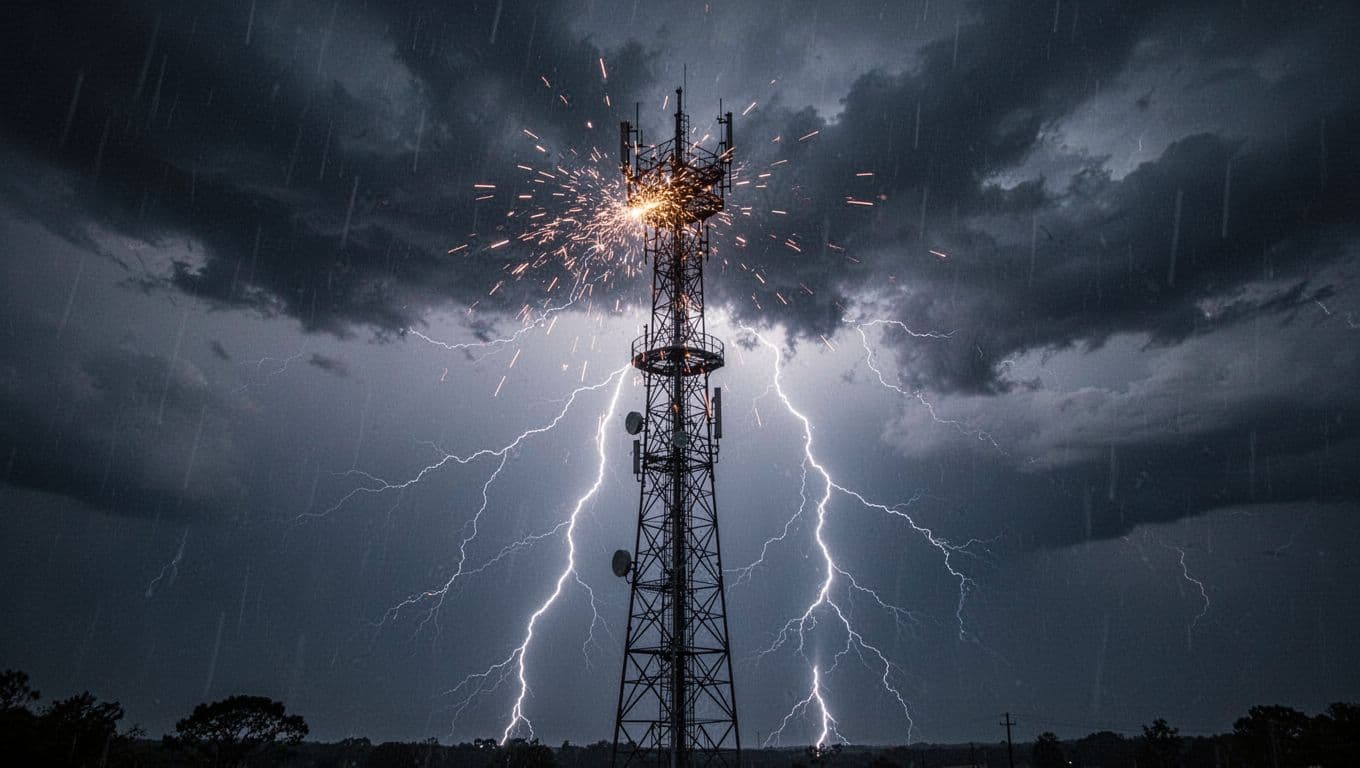
Lightning can hit towers, nearby structures, or feed lines. The result may be a damaged antenna, tripped protection circuits, or a transmitter that refuses to stay locked on frequency. Ice can coat insulators and change how current flows. High winds can shift parts out of alignment.
Sometimes the biggest impact isn’t “no signal.” It’s a weaker signal range. A station may still broadcast, but fewer people can receive it.
For a real-world example, a local report described how a radio tower struck by lightning left a station unable to broadcast. That story is covered in WLRC Radio Tower struck by lightning, unable to broadcast. Another lightning-related example noted that transmitter issues reduced range, which shows how weather damage can show up as “works for some, not for others.” See Lightning strike reduces KTEN’s transmitter range.
Inside the station, engineers watch key indicators. One common metric is VSWR (voltage standing wave ratio). When VSWR spikes, it means the transmission path isn’t matching properly. That can reduce effective power and stress equipment.
That’s why crews treat weather events like time bombs. They prioritize “get back on the air safely” first, then they chase the deeper cause.
Equipment Breakdowns and Sneaky Maintenance Misses
Most failures don’t arrive with a dramatic countdown. They creep in through small physical problems.
Heat is one culprit. Transmitters and power supplies run hot. Fans wear out. Dust builds up. When cooling drops, components fail faster.
Moisture is another. Rain can seep into cabinets, and humidity can corrode connectors. Even when damage looks minor, it can create arcing, which is both a safety risk and a performance hit.
Then there’s the “surprise visitor” problem: rodents and insects. They love warm equipment and tight spaces. A chewed wire or blocked vent can be enough to cause shutdowns.
Also consider maintenance misses. Sometimes the line is dirty, not broken. A buildup of grime can increase losses. Over time, that changes how well the system matches and how stable the output stays.
Detuned antennas are another classic issue. An antenna can shift after weather stress, after past repairs, or due to hardware settling. If the station doesn’t re-check alignment and tuning, broadcast quality drops.
A simple analogy helps. Skipping regular tune-ups is like driving with a misaligned belt. It might still move the car, but it burns faster. In broadcasting, that “burning faster” means more trips, more dropouts, and more emergency repairs.
Hacks and Signal Intruders That Hijack the Airwaves
Not every disruption is an accident. Some are intentional.
Pirate signals and intrusions can insert fake audio or video overlays. They can target weak links in distribution chains, such as poorly secured rebroadcast paths or misconfigured equipment. In the analog era, intrusions were easier to spot. In modern setups, they can be subtler.
The public remembers the vivid examples. The Chicago Max Headroom intrusion is one. The Southern Television interruption is another. Both show how quickly a “clean broadcast” can become chaos.
When hacks happen, broadcasters move on two tracks. First, they stop the harm. Next, they trace the entry point.
For example, a station may cut off an affected input or switch to a different feed path. It might also isolate the transmission chain segments to find where the intrusion entered.
In the U.S., federal oversight matters. The FCC can get involved, especially when stations suspect interference or unauthorized transmission. Crews often collect logs and signal evidence while engineers work the technical side.
How Broadcasters Spot Problems and Fix Them Fast
When something goes wrong mid-air, you don’t have time for guessing. You need a clear routine, like a firefighter’s checklist.
Stations usually combine automated monitoring and human checks. Monitoring systems watch signal strength, audio levels, error rates, and link health. Engineers still verify with direct tests, because sensors can misread.
The goal is to shorten downtime from minutes to seconds. That’s why response plans focus on quick swaps, fast diagnostics, and safe recovery.
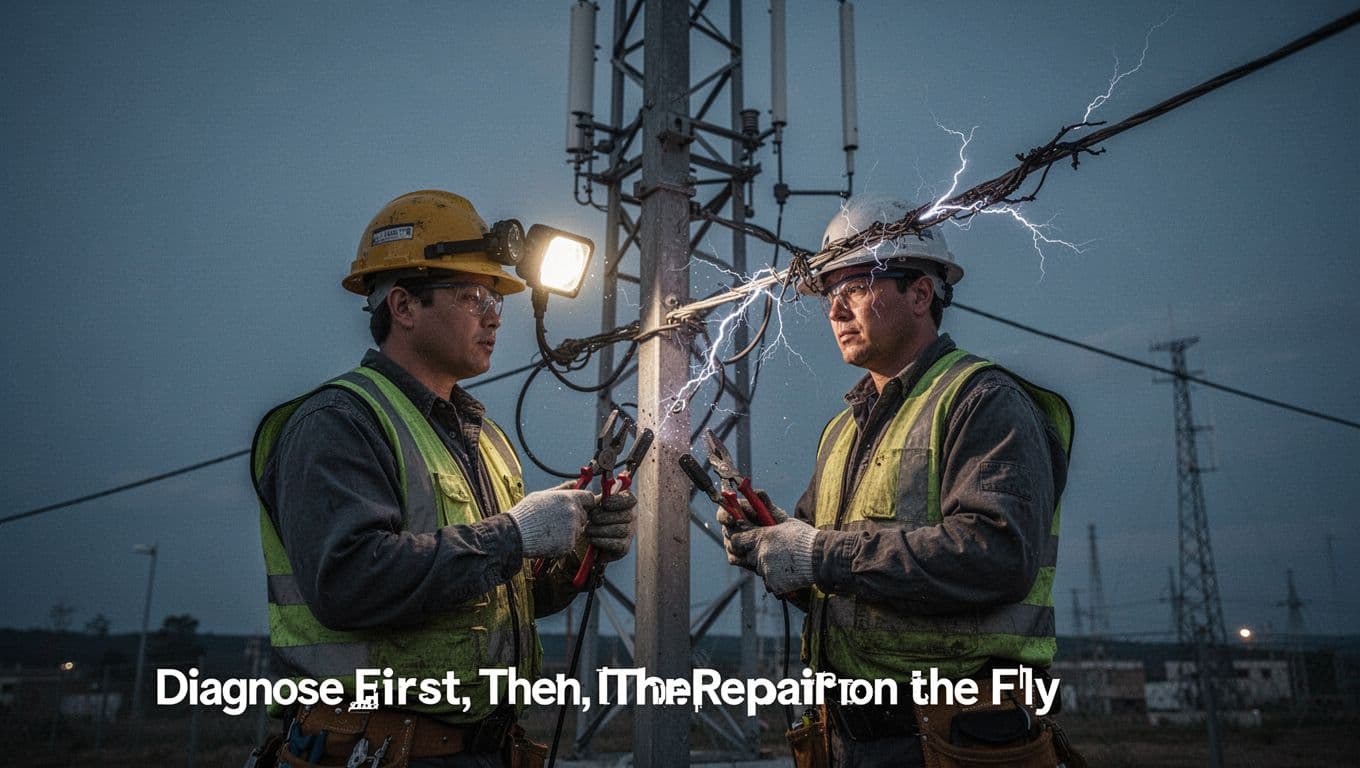
Diagnose First, Then Repair on the Fly
A good broadcast response often looks like this:
- Confirm the symptom. Is it dead air, weak signal, audio only, or a full drop?
- Check the most likely points. Power, transmitter status, and feed links get priority.
- Measure key indicators. Engineers may check VSWR, frequency lock, and line loss.
- Inspect for physical damage. Lightning, moisture, and airflow problems leave clues.
- Swap or bypass the bad gear. Replace a line segment, a card, or a module.
- Retune and retest. Then confirm the signal behaves normally.
- Document everything. Logs help fix the root cause later.
This is where skills matter. A technician who has seen arcing damage before can spot it quickly. Someone who hasn’t may stare at screens too long.
On-site repairs also depend on safe access. If a tower is still unsafe after a storm, the station can run on backups and remote testing until the site clears.
A key gotcha shows up here:
The fastest fix isn’t always the best fix.
Engineers try to restore service safely, then repair for real.
For example, after lightning strikes, a station might replace a damaged coax section or reset a protection component. If the antenna tuning shifted, it may need re-alignment. Sometimes the replacement parts arrive within hours because teams keep spares ready.
Backup Power and Redundant Systems Save the Day
Backup power is the difference between “we’re back” and “we’re gone.”
Broadcasters use generators, UPS systems, and redundant network paths. The idea is simple: if one link fails, another path takes over.
Generators help when the grid fails. UPS helps during brief power dips so equipment can stay stable. Redundant transmission paths help when one feed route gets jammed or broken.
But backups only help if someone planned for the failure.
A standby system needs fuel, scheduled checks, and real tests. A generator that never runs can fail when you need it most. The same goes for spare RF modules and patch cables.
In a live emergency, crews prioritize “keep content going.” That may mean using a lower-power mode until repairs finish. It might mean pulling from a different distribution network. It might mean switching to a simplified studio feed while the tower team handles the site.
Also, not every outage is purely technical. In March 2026, a major U.S. blackout involved a business dispute between Gray Media and DISH, which left many channels unavailable. It wasn’t a blown tower, but it still disrupted viewing. DISH pointed customers to over-the-air antenna options and streaming apps, showing how “redundancy” can mean more than hardware. (The lesson still fits: the best plans include alternate ways to reach the audience.)
Smart Prep and New Tech to Prevent Glitches Altogether
Most stations can’t stop failures. They can reduce frequency and shrink recovery time.
That means daily checks, weather-proofing, security hardening, and realistic drills. It also means planning around new technology like ATSC 3.0, which aims for better performance and more advanced features.
As of March 2026, broadcasters are working through the switch, including policy and transition questions. Industry coverage notes steps toward accelerating adoption. For context, see FCC Takes Next Step Toward Accelerating ATSC 3.0 Adoption | Radio & Television Business Report.
Daily Habits and Backup Plans That Build Reliability
Reliability comes from routine. When everything runs daily, problems show up earlier.
Common station habits include:
- Visual inspections after storms and during routine tower checks
- Cleaning and connector care to prevent small losses from turning into failures
- Pest control and sealing work so rodents can’t enter equipment shelters
- Part swaps before failure, especially for fans, filters, and aging cables
- Emergency drills that teach staff who to call and what to switch first
These steps look boring. That’s the point. The boring work reduces the number of “surprise” calls at 2 a.m.
Many stations also train teams for role clarity. In an emergency, you don’t want a debate about who owns the transmitter alarm. You want quick action.
Finally, good prep includes security. Password rules, access logging, and locked-down inputs reduce the chance of unwanted signal intrusions. Even if you never see a hack, you still prepare like you might.
AI Tools Taking Over for Lightning-Fast Prevention
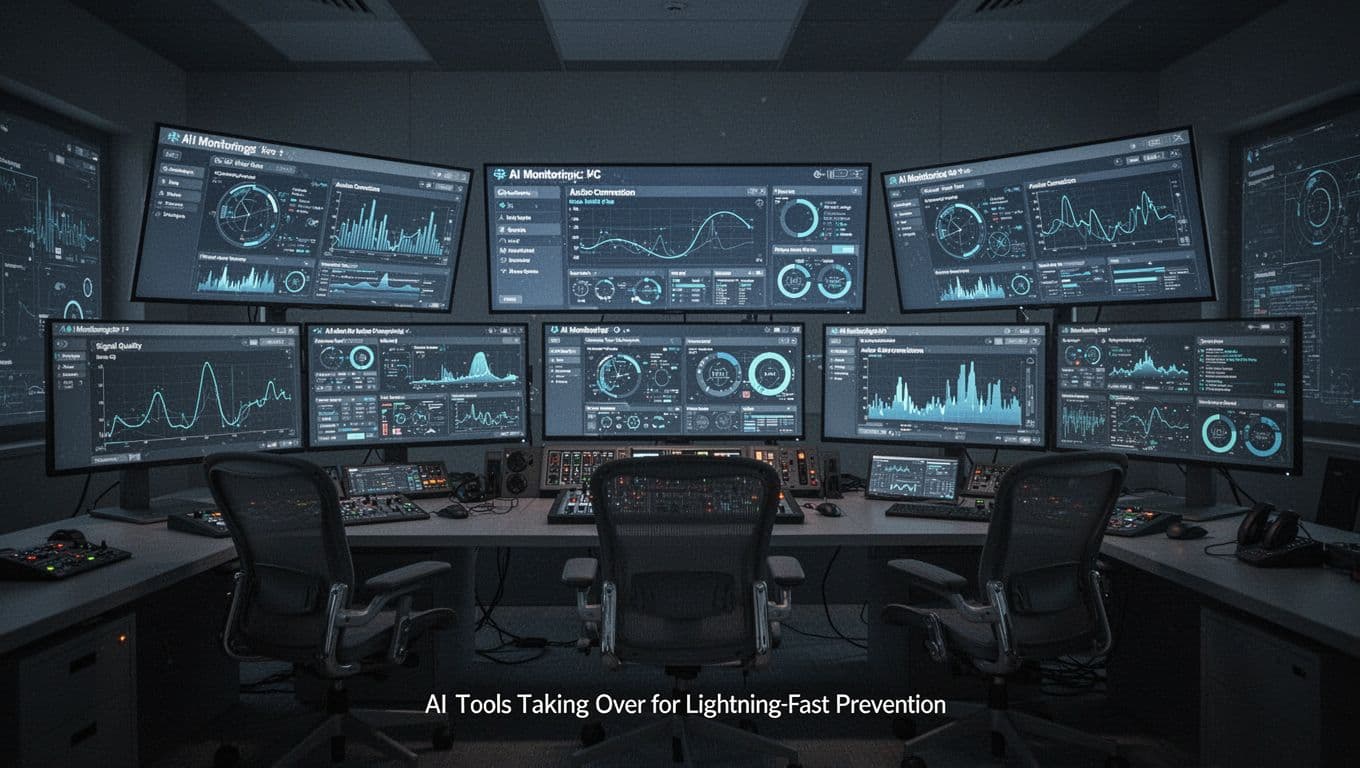
AI in broadcast ops isn’t just a buzz term. It’s starting to show up as monitoring and decision support that helps teams act faster.
One widely discussed example comes from MLB. In recent coverage, MLB described using an AI agent called Connie to watch network feeds during games. The system detects issues such as bad connections and helps fix them before fans notice. The broader AI support behind sports broadcast systems is also highlighted in How AI is pitching in at this year’s World Series from Google Cloud.
Meanwhile, MLB’s AI work for fan-facing features shows how teams build systems that react to changing conditions. For example, the Scout Insights feature uses AI tools backed by Google Cloud for real-time style insights. See Scout Insights powered by Google Cloud for more context.
Here’s what that means for technical failures. AI can watch many signals at once. It can notice patterns that humans might miss during a busy shift. It can also speed up triage, so engineers don’t waste time.
To make it concrete, here’s a quick “symptom to response” view that stations use conceptually, even when the exact method differs by vendor:
| What you see | First technical move | Why it works |
|---|---|---|
| Signal gets weaker during rain | Check RF path and tower hardware | Weather stress shifts tuning and match |
| Audio drops but video stays | Inspect routing and input chain | Some failures hit only one feed type |
| Viewer complaints spike fast | Compare monitor logs vs. on-air output | Confirms if it’s local or system-wide |
| Stream stutters on the web | Refresh buffers and link checks | Quick resets fix transient packet issues |
| Errors rise after a swap | Roll back last change | Many faults are introduced by the latest update |
The AI part is the “watch and suggest” layer. But humans still verify the outcome. If the system flags a problem, engineers confirm with measurements and then act.
Conclusion
When broadcast technical failures happen, broadcasters don’t panic. They follow a routine built for speed.
They diagnose first, then repair on the fly. They also keep backup power and redundant paths ready. Finally, newer monitoring tools, including AI, help detect issues sooner and reduce downtime.
If you’ve ever felt how fast a storm can ruin reception, you already understand the pressure they face. The next time your local station returns to normal quickly, that’s prep doing its job.
What’s the most memorable glitch you’ve seen, and did the station recover fast? If you share stories, you help other viewers learn what to expect during outages.