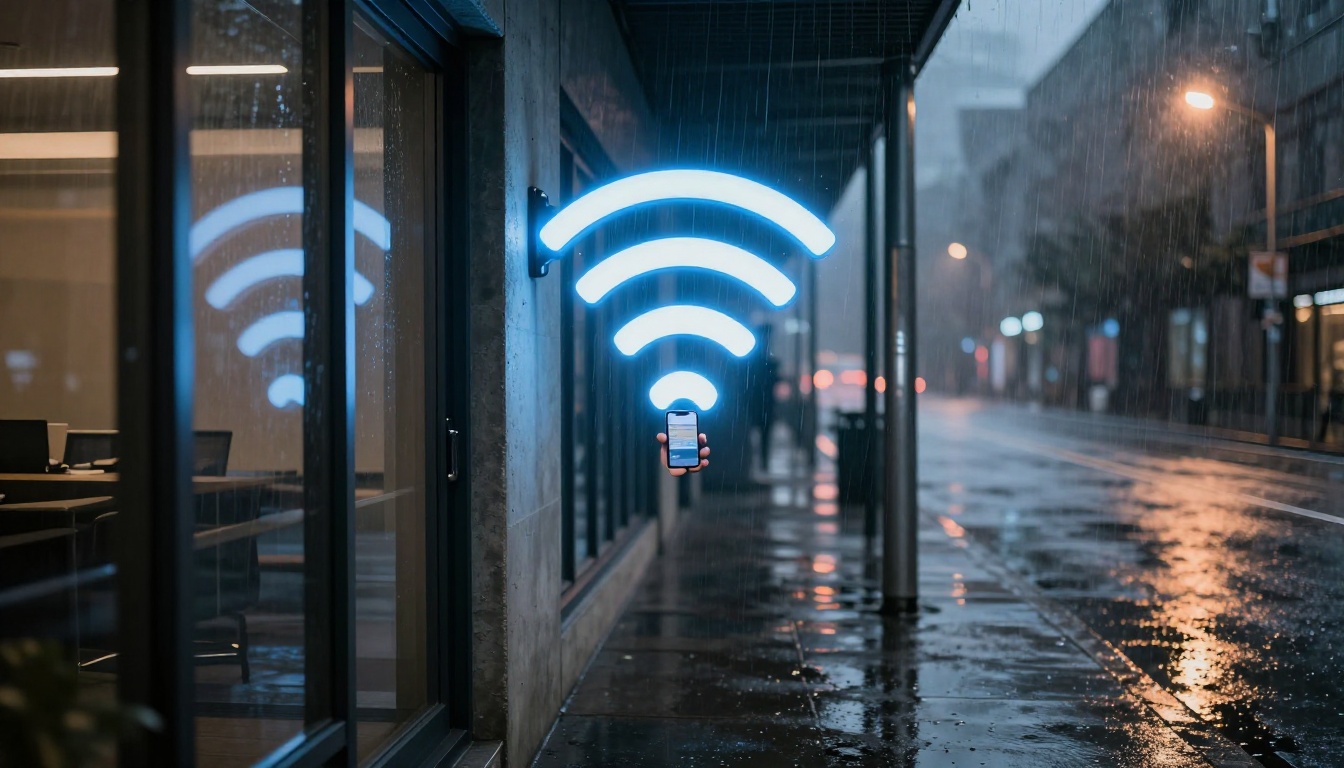
You ever drop a call the moment you step into a concrete basement? Or notice your bars fall apart the moment rain starts? Signal quality can change fast, even when nothing else in your home does.
That’s not luck. It’s physics. Radio waves carry cell, Wi‑Fi, and 5G signals, then lose strength as they travel. Distance weakens the signal, and so do obstacles like walls, metal, and glass. Weather adds another layer, because water changes how radio waves move and spread.
In this guide, you’ll see how common building materials block and scatter signals. Then you’ll learn why rain, snow, fog, and humidity can make connections feel random. Finally, you’ll get practical fixes you can try right away, from better placement to boosters and smart Wi‑Fi setups.
How Everyday Building Materials Steal Your Signal Strength
Buildings don’t just “sit there.” They shape the path your signal takes. When radio waves hit a wall, several things can happen at once.
First, absorption turns some of the signal’s energy into heat inside the material. Think of it like a sponge soaking up water. More energy gets “stuck,” so your receiver gets less.
Second, reflection bounces waves back. This creates copies of the signal arriving at slightly different times. Your phone and router then have a harder job picking the strongest one.
Third, diffraction lets waves bend around edges. That helps in theory, but the bent signal usually stays weaker. So you may get “some bars,” even if they’re unstable.
If you want a real-world baseline, labs have tested typical attenuation through common walls and frequencies. For example, WiFi Signal Loss Through Different Wall Materials: 2.4GHz, 5GHz & 6GHz Attenuation breaks down how higher-frequency bands fade faster. That lines up with what you see in daily life: 5 GHz Wi‑Fi and 5G signals often drop sooner than lower bands.
Absorption and Reflection: The Main Signal Blockers
Concrete, brick, and even drywall can all reduce signal strength. But they do it in different ways, and the thickness matters.
- Concrete often hits hard because it’s dense and can include rebar. A typical range people cite for concrete is about 10 to 20 dB loss for common indoor wall thicknesses. That’s a big drop for short-range wireless.
- Brick usually lands in the middle. You might see around 8 to 28 dB, depending on mortar, moisture, and how many layers the signal crosses.
- Drywall tends to be less of a villain. It might add only around 2 dB in many setups, especially when it’s a single interior wall.
Metal and certain glass types are the real plot twist. Metal reflects radio waves strongly. When reflections are strong, signals can bounce into odd angles and weaken where you need them most. Energy-efficient windows (low-E glass) can also reduce penetration a lot.
Meanwhile, diffraction is like a side door. Signals can sneak around corners, like sound through a hallway crack. However, the “sneak” route costs power. That’s why a phone near a corner might show a few bars, while a few feet away it drops.
Ranking Materials from Signal Friendly to Total Blockers
If you’re trying to understand your own home, you can use rough “tiers.” These aren’t exact for every building, but they’re useful.
| Material (typical indoor obstacle) | Approx. added loss | What you notice |
|---|---|---|
| Drywall | ~2 dB | Slow drop across one wall |
| Wood | ~4 to 12 dB | Often workable, especially with open paths |
| Concrete | ~10 to 20 dB | Basement and inner rooms feel dead |
| Brick | ~8 to 28 dB | Performance varies by thickness and spacing |
| Tinted / low-E glass | ~24 to 40 dB | Signal fades near windows |
| Metal (doors, ducts, roofs) | ~32 to 50 dB | Sudden, severe “no service” zones |
Higher-frequency links often suffer more. That includes Wi‑Fi at 5 GHz and most 5G signals you see in busy areas. So when you mix construction materials with higher bands, signal quality can fall off quickly.
If you want historical reference points, Wall Attenuation Measurements – Wi‑Fi Vitae summarizes measured attenuation from well-known tests. The key idea stays the same: panel walls may be minor, while dense masonry and reinforced structures create major loss.
Also, small surprises matter. A metal dryer vent, a foil-backed insulation layer, or a metal file cabinet can act like a mini shield.
City Skyscrapers vs Country Fields: Location Makes a Big Difference
The outside world changes everything. In cities, you get “urban canyon” effects. Tall buildings create lots of reflections, so your signal may bounce many times before reaching you. That can create dead zones even when the towers are nearby.
Basements in particular often look like signal black holes. Concrete and rebar do the blocking, and the signal has fewer solid paths to reach you.
In rural areas, you may have fewer buildings, so fewer walls block the signal. However, long distances still matter. If you’re far from a tower or an access point, the signal starts weak. Then every tree, hill, or outbuilding adds more loss.
A simple way to picture it:
- City: more bounces, more “wrong angle” signals.
- Country: fewer bounces, but weaker starting power.
That’s why one place can feel inconsistent minute to minute, while another place feels consistently poor until you move closer to line of sight.
When Rain, Snow, or Fog Turns Your Connection Spotty
Weather changes how radio waves travel through the air. Water is the big factor.
Radio waves can get:
- Absorbed by water (energy gets turned into heat)
- Scattered by droplets or ice crystals (signal spreads and weakens)
- Refraction-shifted (the path bends a bit)
This is why you can see slower speeds during storms. It’s also why outdoor Wi‑Fi links can die in bad weather, even when indoor Wi‑Fi stays fine.
For a consumer-friendly overview of how conditions affect different internet types, How Weather Impacts Different Types of Internet: Fiber, Cable, 5G, and Satellite connects the dots between real experiences and network behavior.
Rain and Snow: Water’s Worst Tricks on Radio Waves
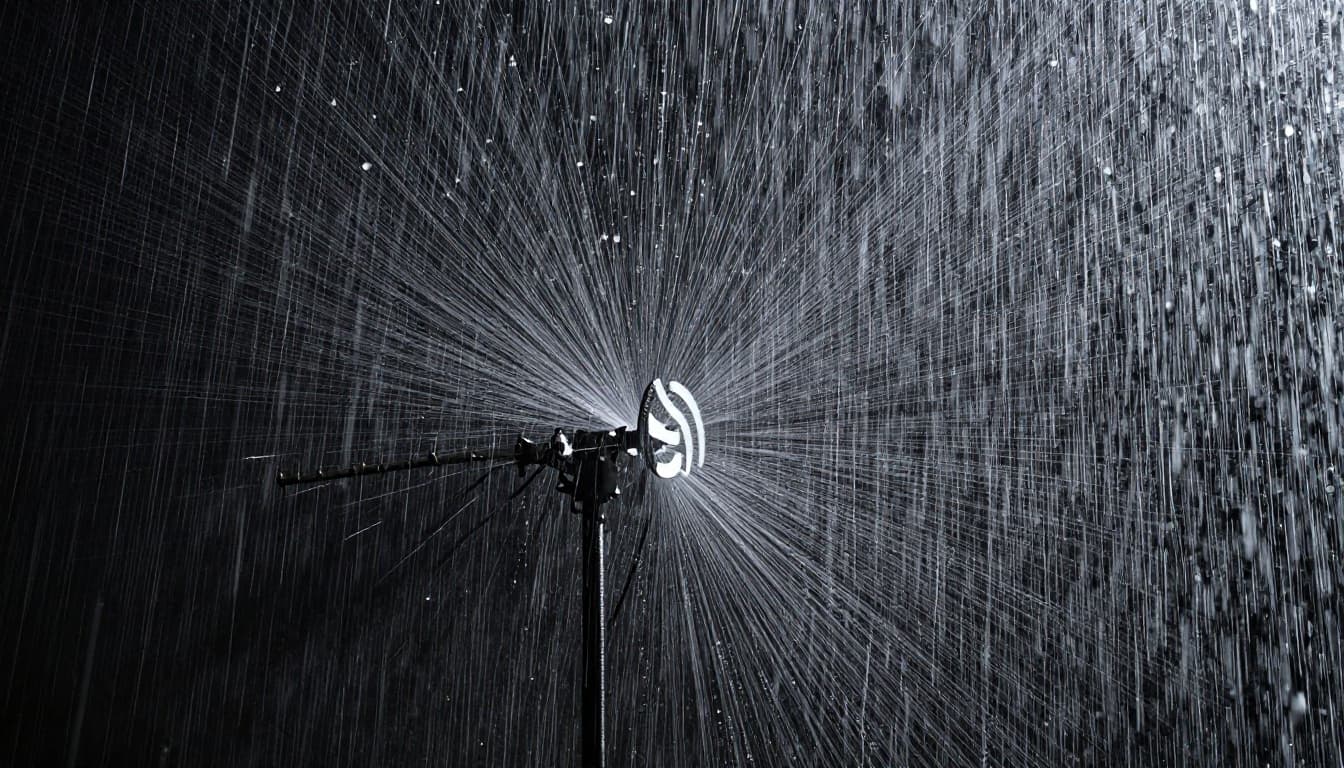
Heavy rain can cause “rain fade.” The more intense the rainfall, the more the signal weakens.
At lower frequencies (like Wi‑Fi’s older 2.4 GHz band), heavy rain might add loss on the order of fractions of a dB per kilometer. At higher frequencies like mmWave 5G, losses can rise dramatically, sometimes cited around tens of dB per kilometer in extreme conditions.
In plain terms: short-range, high-frequency links can struggle when drops fill the air.
Snow can act like rain when it’s wet. Dry snow tends to be less harmful because it doesn’t carry as much liquid water. Still, wet snow and slush can reduce signal quality, especially for outdoor units.
Then there’s another issue: ice buildup. If ice forms on an antenna or dish, it can slightly shift how the antenna points and performs. So you get weaker signal and more jitter.
If your phone shows stable bars indoors but slows outside during storms, that pattern fits this explanation well.
Fog, Storms, and Sneaky Humidity Effects
Fog is basically tiny water droplets hanging in the air. Those droplets can absorb and scatter signals, but usually less harsh than heavy rain.
Humidity can also play a role. Water vapor changes the air a bit, and over longer paths, that adds up.
Storms bring their own twist. Lightning and electrical noise don’t “block” signals like a wall. Instead, they add noise that makes it harder for radios to read the signal clearly. That can show up as lag, buffering, or short drops.
Temperature matters too. When conditions shift quickly, equipment may react. Cables contract, mounts loosen slightly, and outdoor gear can become less efficient. If ice or condensation forms, you can get extra loss at the antenna connection point.
Why Weather Bites Harder in Open Areas Than Crowded Cities
This sounds backwards at first. Crowds usually mean interference, right?
However, many rural or open-area setups rely on longer wireless paths. That means the signal travels farther through air and weather. Longer path equals more time for rain, fog, and humidity to reduce signal strength.
In crowded cities, buildings often dominate the signal path. Weather still affects performance, but you may already be limited by the walls and reflections. So the day-to-day difference you notice might be smaller, even if both places see some impact.
In short:
- Open areas: weather adds loss on top of distance loss.
- Cities: buildings create multipath effects; weather adds noise, but you’re already dealing with obstacles.
Simple Ways to Fight Back Against Building and Weather Signal Loss
You can’t change the concrete in your walls or the sky outside. But you can often fix the problem you actually care about: signal quality where you use it.
The best results come from improving coverage inside the path between your router, your phone, and any outdoor signal source.
Start with placement. Then add hardware only when placement alone can’t solve it.
Top Tech Fixes Available Now in 2026
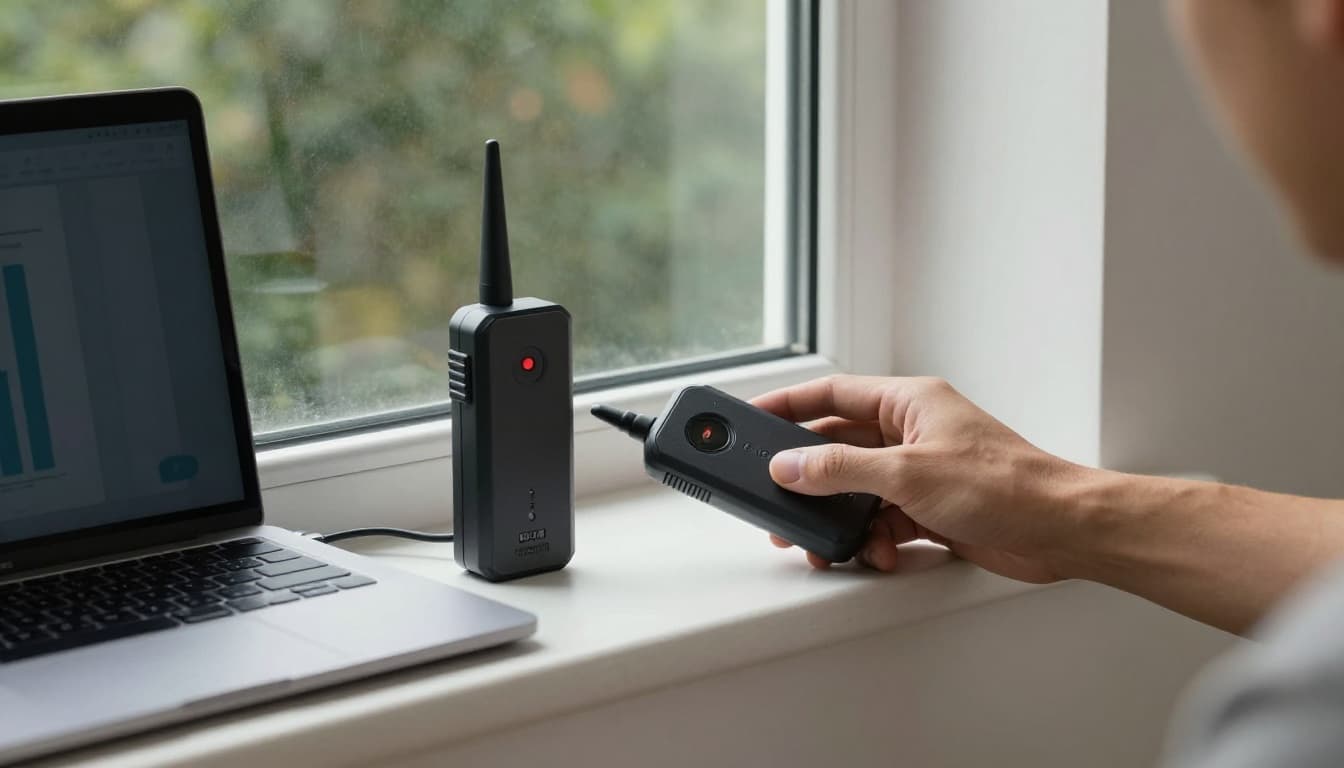
If your issue is cell signal inside a home, a cell signal booster is one of the most direct options. It catches a weak outside signal, amplifies it, and rebroadcasts it indoors.
For 2026, many consumer boosters include features that help them work safely. They can reduce power if antennas get too close, and some kits are marketed as 5G-compatible, usually for lower bands.
For product testing and shopping guidance, see The Best Cell Phone Boosters We’ve Tested for 2026 | PCMag. Independent testing helps when you’re comparing coverage claims.
If your problem is Wi‑Fi dead spots, you have a few common paths:
- Use mesh Wi‑Fi for whole-home coverage
- Add an extra access point in the worst zone
- Use directional antennas for outdoor or long runs (when appropriate)
For big buildings, companies use distributed antenna systems (DAS). Those are usually not DIY, but they solve the same issue: signals need multiple “starting points” instead of one distant router.
Everyday Habits to Keep Your Signal Strong
Small moves can bring big gains. Here are practical changes you can try this week:
- Move the router higher (a shelf is often better than the floor)
- Point antennas up and outward (if your device allows it)
- Avoid metal boxes and foil-backed layers near the router
- Use mesh nodes along the path where you lose signal
- Place outdoor gear under cover without blocking the antenna’s field of view
Also, test in both directions. Walk to the spot where you lose signal, then test again after you remove one obstacle. For example, if a metal file cabinet sits between your laptop and the router, slide it away. You’ll learn fast what’s actually blocking your signal.
Conclusion: It’s Not Just “Your Provider”
If your call drops in a basement, or your Wi‑Fi slows in rain, you’re not imagining it. Buildings and weather both reduce signal quality by weakening radio waves and changing how they reach your device.
Materials like concrete and metal often create big signal loss. Weather like heavy rain and wet snow adds absorption and scattering in the air. That’s why rural areas can feel worse during storms, and urban spots can feel unpredictable even on calm days.
Now you can fight back smarter. Improve placement first, then use boosters or mesh Wi‑Fi where coverage gaps actually happen.
Try one change this week and watch what improves. If you’ve found a setup that works in your home, share what you changed and where you placed the equipment.