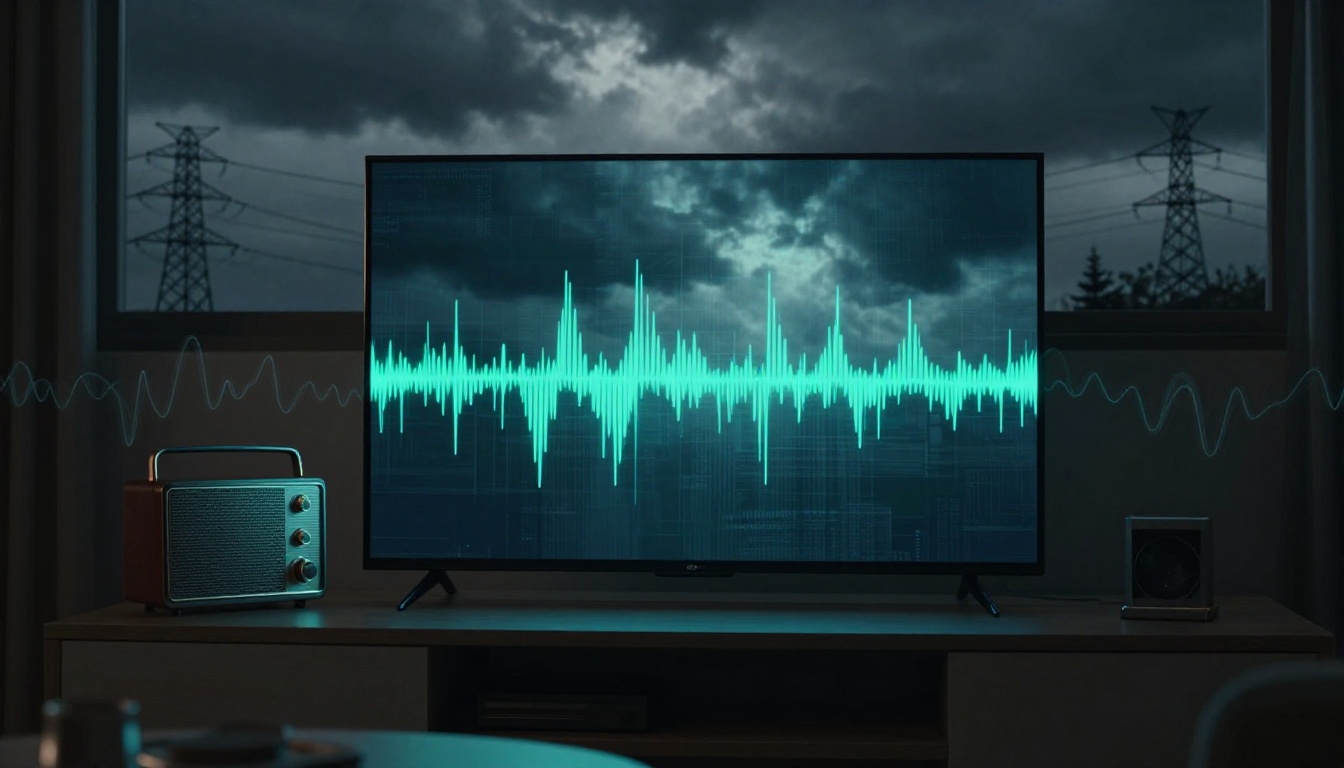
Picture your favorite show turning into a pixelated mess right at the plot twist. Or imagine your radio cutting out during a big game. That annoying signal interference in TV and radio usually means unwanted noise is piling up on top of what your tuner wants to hear.
Sometimes it’s obvious, like when your microwave runs. Other times, it’s subtle and sneaky, caused by wiring, electronics, weather, or even your home’s placement. If you’ve ever stared at a screen full of static and wondered, “Why now?”, you’re not alone.
The good news is that most interference has familiar causes. In the sections below, you’ll see the biggest drivers, from household causes of TV interference to weather causes radio interference, plus outside factors like power lines and nearby towers. You’ll also learn how geographical signal interference and today’s 2026 wireless gadgets can make things worse. Then, later on in the fixes, you’ll know what to test first so you can get clear sound and picture again.
Everyday Household Items That Secretly Wreck Your Signals
A lot of interference starts indoors. Your TV and radio are basically listening for specific radio waves. Meanwhile, many household devices create their own electromagnetic noise.
That noise can get into your system through shared power circuits, loose cabling, or poor shielding. It can also mix with your signal inside your TV tuner, causing fuzz, dropouts, or audio that sounds like it’s underwater.
The FCC explains interference as unwanted radio frequency signals that disrupt reception, sometimes causing full dropouts or partial loss of quality. Their overview can help you understand what “interference” means in real-world terms for TV, radio, and cordless phones: Interference with Radio, TV and Cordless Telephone Signals.
Quick symptom clues (so you test the right thing)
Before you start unplugging everything, look for patterns. These hints often point to the cause:
| What you notice | Common household cause |
|---|---|
| Static jumps in and out when you run something | Motor noise (fans, heaters) or switching power supplies |
| TV looks snowy or freezes during short bursts | Microwave or sparking electronics |
| Radio gets a buzz when lights turn on | LED or fluorescent noise on the electrical line |
| Audio stutters with no picture changes | Partial signal loss or multipath from indoor reflections |
If you see a pattern, you can save time. Turn off the suspected device first. If the interference stops, you found your likely culprit.
One more practical point: interference often shows up “randomly,” because many appliances cycle on and off. A device might not run constantly, but the moment it switches, your signal can react.
If you want a safety reminder while troubleshooting, FirstEnergy notes that electrical problems and related noise can affect electronics and communication equipment. Their troubleshooting guidance is a useful reference point: Radio and TV Interference – FirstEnergy.
Microwaves and Lights: The Worst Offenders in Your Kitchen and Living Room
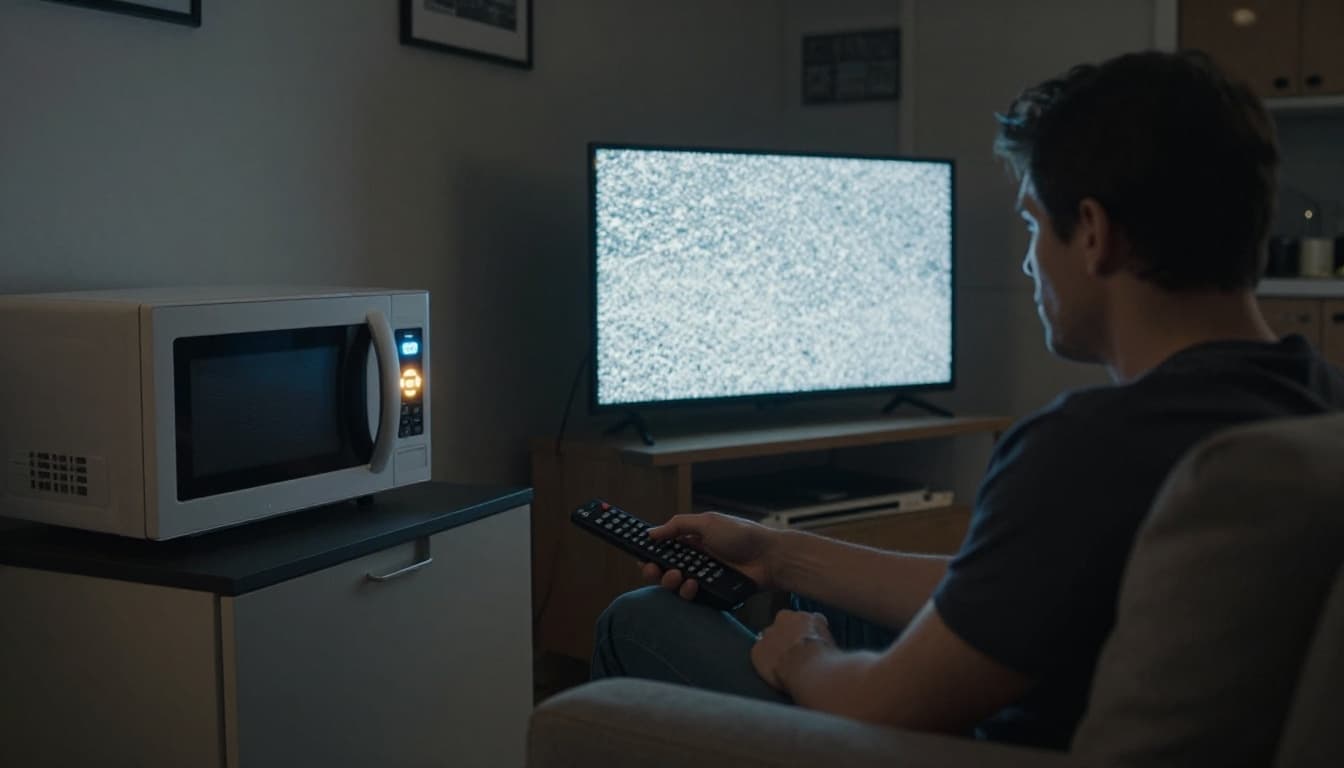
Ever notice your signal dies when the microwave runs? That’s one of the most common TV static causes. Microwave ovens generate strong energy while cooking. Even when the door is shut correctly, some RF energy can leak, especially with older units, poor seals, or damaged hinges.
When that leakage reaches your antenna or your TV’s internal circuits, it can overwhelm the tuner. The result is often a sudden freeze, a burst of heavy static, or brief audio dropouts.
Lighting can also be a problem. Older fluorescent fixtures and some LED bulbs can emit steady noise, especially at night when your home’s environment is quieter. When lights switch on, you might hear a buzz on the radio. On TV, you might see interference lines that come and go with the room lights.
Here’s a simple test that works in many homes:
- Watch TV (or listen to the radio).
- Turn on the kitchen microwave.
- Note the exact timing of the interference.
- Repeat with the microwave empty and then with a normal cook cycle.
If the problem clearly tracks microwave use, try a second test. Unplug the microwave and see if the signal stabilizes. If it does, the microwave is your likely cause.
For light-related issues, flip a single lamp or switch at a time. Then check whether the interference starts only when a certain bulb turns on. Some people also see fewer problems with newer, better-shielded lighting.
If you use an over-the-air setup, distance helps. Keep the antenna and coax run away from the microwave and from power strips crowded with chargers.
Also, consider routing coax behind furniture or along different walls. Think of it like moving a microphone away from a speaker. Less “pick up” means less noise.
Motors and Electronics That Spark Chaos
Microwaves and lights are loud, but motors can be worse in a different way. Heaters, air conditioners, fans, and even some dimmer switches can create noise when they start, speed up, or change power output.
A dimmer switch, for example, doesn’t just turn brightness up or down. It rapidly switches power. That fast switching can create radio frequency interference. Similarly, touch lamps and some doorbell transformers can “spark” electrically in ways that create high-frequency noise.
Computers can also be offenders. Even if they seem harmless, their power supplies and internal electronics can leak noise. In some cases, USB chargers, cheap power bricks, or unshielded cables make it easier for that noise to escape and mix into your TV or radio path.
If your interference comes with a faint buzzing or happens in short bursts, it might line up with the on-off cycle of motors. If it’s tied to lamp dimming, it’s often the switch or the lamp driver.
Here’s a practical way to pinpoint it without guessing forever:
- Turn off the breaker for one room at a time (or unplug devices on suspected circuits).
- Watch for changes in static level and audio stability.
- When the signal clears, you’ve narrowed down the circuit.
One more reason this happens is simple physics. Your home wiring acts like a path for noise. Then your TV or radio, like a sensitive ear, detects it. The noise spreads through the electrical system, not just through the device’s power cord.
How Weather and Nature Throw Your Reception Off Track
Weather can be annoying because it changes the “path” your signal takes. Over-the-air TV and many radio broadcasts travel through the air. When the atmosphere changes, the signal can bend, scatter, or reflect in ways your antenna no longer handles well.
Sometimes the issue looks like classic TV static. Other times it looks like a stutter, brief dropouts, or missing channels that you normally receive.
A common real-world example involves something called tropospheric ducting. On certain clear nights, temperature layers can form in the atmosphere. That can redirect signals farther than normal. You might get pixelation, lose local channels, or suddenly pick up far-away signals. WOWT covers this effect and how it can impact TV reception: How weather can impact your TV signal.
Then there’s multipath. That’s when your signal takes more than one route to your antenna. Wind can shake branches or move objects. That movement changes where reflections hit. Your TV may keep trying to “lock on,” but the signal may keep arriving at slightly different times.
Trees and Buildings Blocking Your Line of Sight
Many antennas work best when they have a strong line of sight to broadcast towers. Trees can block signals or absorb them, especially in leafy seasons. Wind can also move branches, causing the interference to come and go.
Buildings can play a similar role. A slight change in angle, like when you reposition your antenna or when the sun changes the “hotspot” around your home, can affect reception. Even if your antenna points the right way, a nearby obstacle can reflect signals back at you.
When this happens, you might hear radio signal problems that feel random. Audio can cut in and out, or it can sound distorted during gusts.
If your reception changes with seasons, that’s a big clue. Compare summer and winter performance. If winter is clearer, you probably had foliage absorption or shifting multipath in warmer months.
Storms, Sparks, and Solar Activity
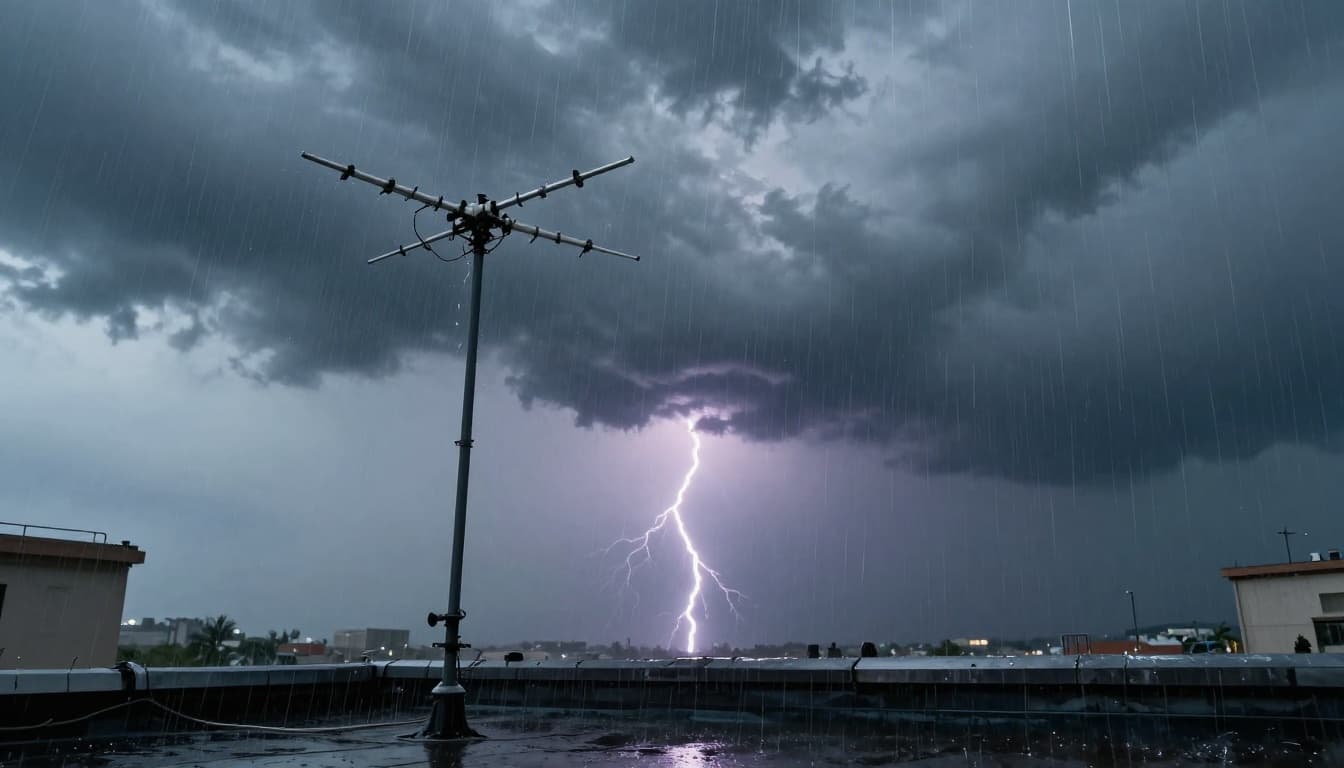
Storms can cause interference in two ways. First, they can physically reduce signal strength. Heavy rain and clouds can absorb and scatter radio waves. Second, they can add bursts of electrical noise.
Lightning is the obvious one. It can create huge electrical spikes. Even if the strike is far away, the noise can still overload nearby electronics or create temporary reception chaos.
Solar activity can also matter. Space weather can affect how signals travel, sometimes causing brief disruptions. It’s rarer than microwave or cable issues, but it can hit hard when it occurs.
One key reality: some weather-related problems fix themselves. If it’s mostly rain, clouds, or wind movement, reception often returns as conditions improve. Still, if the problem persists through clear skies, then look back at household sources, antenna placement, and coax connections.
Outside Forces Like Power Lines and Cell Towers Clashing with Your Antenna
Not all interference comes from your house. In many areas, outside signals and electrical infrastructure add noise that your receiver can’t ignore.
This is where people feel stuck. You can’t control the wind, and you can’t move the street. But you can still identify what’s likely happening and respond with antenna adjustments, better cable runs, and filters if needed.
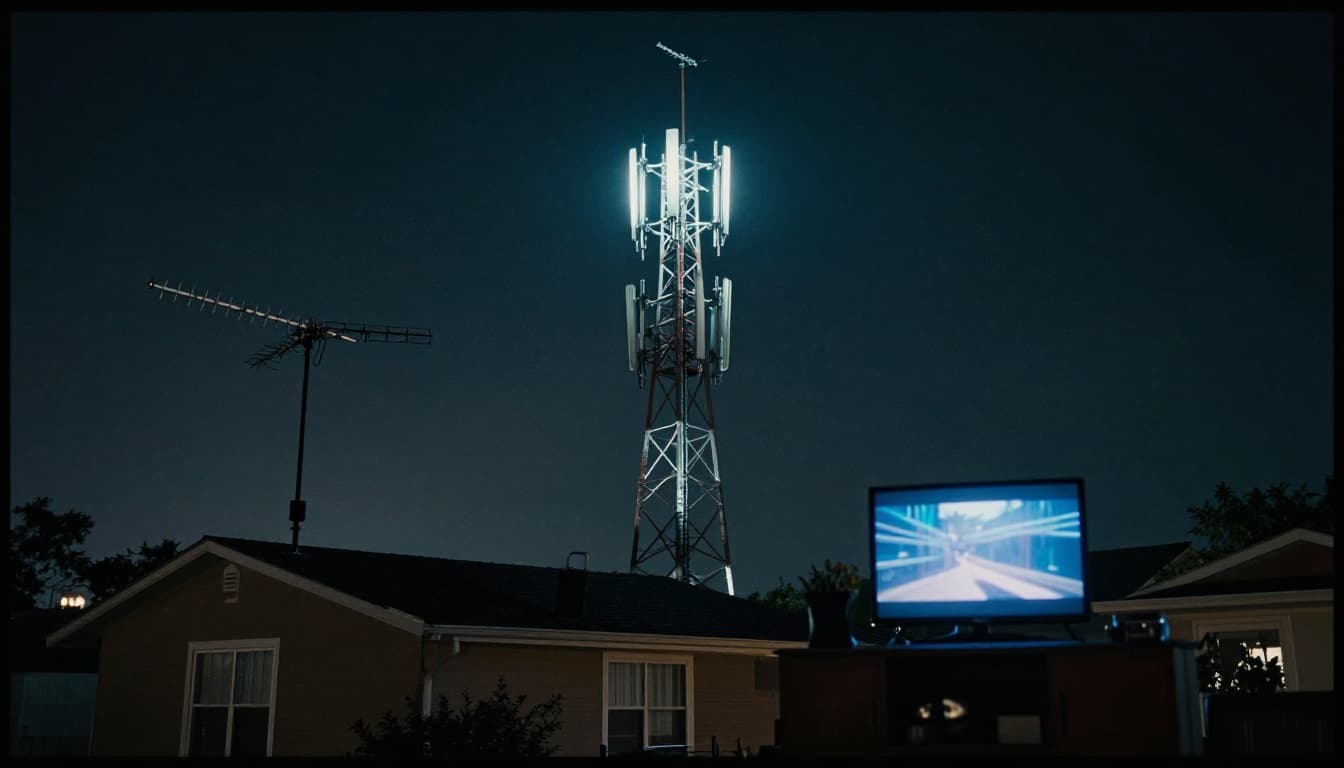
Cell tower TV interference is a common fear, but the actual behavior can vary. Sometimes it’s not that towers “jam” your TV directly. Instead, strong nearby transmitters can overload your tuner or create unwanted mixing products inside your system.
In dense cities, this becomes more likely. More transmitters, more overlapping signals, and more wireless devices mean more RF noise in general.
Power Lines and Nearby Transmitters
Power lines can add noise even if you do not see arcing. They can act like conductors that couple interference into nearby wiring and electronics. Street lights and older electrical gear can contribute too.
Also, other transmitters near your antenna can interfere. This includes two-way radios, nearby communication systems, and sometimes even strong signals from mobile devices when they’re close to the receiving path.
If the interference shows up during certain times of day, it might match when certain systems get busier. For example, a nearby neighborhood might see more wireless use in the evening.
A simple test helps. If you can, compare reception indoors versus outdoors. If the outdoor signal looks better, then the issue may be internal wiring, power noise, or reflections inside your home.
Wind Farms, Drones, and Urban Signal Overload
In some locations, wind farms can affect reception patterns through reflected signals. Drones can also create localized interference, mainly because they carry electronics and transmitters, which can add noise near your antenna.
But the biggest modern issue is usually overload. When a receiver gets too much RF energy from strong stations, it may stop distinguishing the one you want. The sound turns fuzzy. The video gets messy. You may even see channel dropouts even with an antenna that used to work fine.
This connects to what many people feel in 2026. Wireless networks keep expanding, and more devices transmit at once. Your system might be more sensitive now simply because it has to compete with more signal energy.
Why Your Home’s Spot and 2026 Tech Trends Make Things Worse
Location does not just control signal strength. It controls reflection angles, cable length, and how many sources your antenna has to “compete” with.
In hilly areas, signals can bounce off terrain. In cities, buildings can scatter waves. That adds multipath and can lead to stuttering audio or pixelation that comes and goes with movement in the environment.
Then add 2026 tech trends. Wireless devices are everywhere now. Smart home hubs, EV chargers, connected appliances, and more 5G-related hardware can increase background RF activity. It doesn’t always mean your TV is directly “blocked.” Often, it means your TV or radio sees more noise and has a harder time staying locked.
Hills, Cities, and Signal Bounce Problems
Multipath is the classic “geographical signal interference” pattern. Your antenna receives the direct signal and also receives reflections from nearby surfaces. If those reflections shift, your TV’s decoder may struggle.
In practice, you might see results like:
- Clear picture in calm weather, then stutters in windy conditions.
- Fine reception at one time of day, then weaker at another.
- Better radio clarity with the antenna moved slightly.
Even within your home, coax routing matters. Long, unshielded cable runs can pick up interference. That’s why antenna cable quality and proper connections matter so much.
Many OTA reception issues come down to obstructions and the path between antenna and tower. If you want a helpful framework, Tablo summarizes common sources of obstructions and interference for antenna TV: Sources of Obstructions and Interference for Antenna TV.
The Rise of Wireless Gadgets and EVs in 2026
In 2026, RF clutter comes from more than just phones. EV charging stations, smart meters, new routers, and wireless controllers all add to the number of active transmitters near you.
Plus, network upgrades keep moving the frequency mix around. Some research looks at how newer wireless bands could generate EMI or RFI that might affect other equipment. For example, a 2026 open-access study discusses EMI and RFI from 5G and beyond spectrum and how interference can occur in theory: EMI and RFI from 5G and beyond spectrum.
That doesn’t mean every TV antenna will fail near every cell tower. It does mean receivers face more RF stress than they did years ago.
Another recent practical reality: even when interference isn’t about TV at all, it shows how sensitive radio systems can be. For instance, the FAA has described how certain continuous-wave radio signals can disrupt airplane transponders on some Boeing 787 planes. That’s aviation hardware, not consumer TV. Still, it highlights a key truth: RF interference can appear in unexpected places when signals crowd the same environment. (That FAA finding is covered in March 2026 realtime reporting.)
So what should you do with that as a TV or radio listener? Start local. Test household items first. Then check antenna position and cable routing. Only then worry about outside towers and wireless crowding.
Conclusion: Pinpoint the Cause, Then Fix the Signal
If your TV screen looks like it’s filled with snow or your radio turns fuzzy, it’s usually not “mystical.” It’s signal interference in TV and radio caused by predictable sources.
Most of the time, the culprit is indoor noise (microwaves, dimmers, motors, or cheap chargers). Next come weather and nature, like wind-shaken branches or storm conditions. Then there are outside factors, including power lines and nearby transmitters that can overload your setup. Finally, your home’s geography and 2026 wireless device density can make everything more sensitive.
Try one clear test today: turn off a likely appliance (microwave, lamp, or heater) and watch for immediate change. If that works, you’re on the right track.
If you keep getting interference, focus on the antenna path and cable connections, not random guessing. Want clearer TV? Start with fix TV signal interference basics, then move outward until the problem disappears.