Ever tried to watch a premium channel on your smart TV, only to be told you still need an extra box? It feels backwards. You bought the “smart” part, yet the network acts like you’re missing a key.
A set-top box is a small device that sits on top of your TV (or near it). It manages and decodes the signals your pay-TV service sends. In plain terms, it helps your TV understand what you paid for. It also enforces rules that keep premium content from being shared for free.
So why do some channels still require it? Most of the time, it comes down to three things: encryption, access control, and signal processing. Encryption keeps the stream scrambled. Access control checks that your account is allowed. Signal processing turns the feed into something your TV can display reliably.
In March 2026, streaming apps have reduced the need for extra hardware for many people. Still, cable and satellite providers often keep boxes in the mix for premium channels. Meanwhile, new standards like ATSC 3.0 are spreading slowly, and they may require special receivers.
First, let’s break down what set-top boxes actually do inside, without turning it into a tech textbook.
How Set-Top Boxes Decode Protected TV Signals
Think of pay-TV like a locked safe. The “safe” is the video stream, and the box holds the tools to open it for you. Your provider encrypts the signal so it can’t be viewed by anyone who does not have permission.
In the US, TV is mostly digital now. That means the signal is sent as data, not as a simple analog broadcast. Once it’s data, it’s easier to scramble, meter access, and restrict copying. That’s where DRM (digital rights management) comes in. DRM is the set of rules that says what you’re allowed to watch, record, or stream, and on which devices.
The box also helps with signal format and output. Even when your TV is modern, providers still send feeds in ways that match specific service systems. The set-top box converts and organizes that feed into a clean viewing experience.
Encryption and Access Control in Action
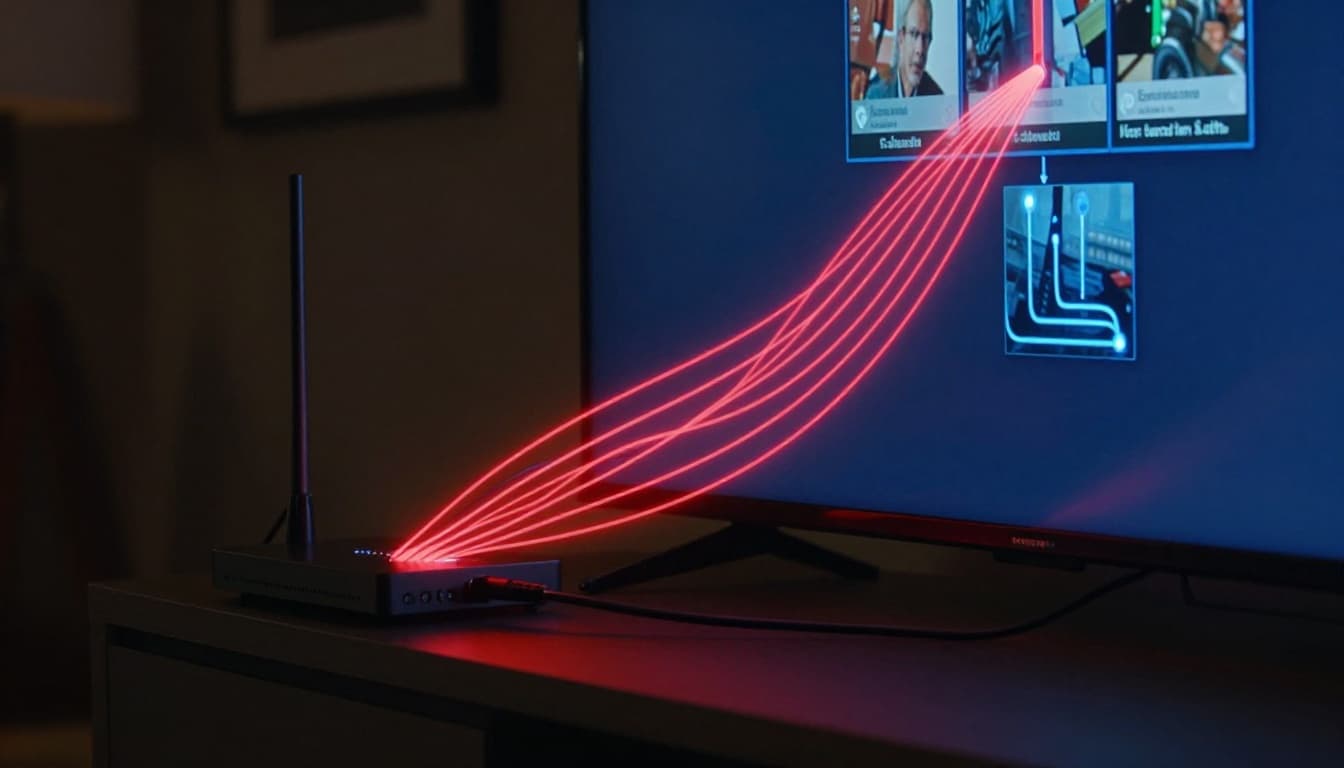
Encryption is the first wall. It scrambles the content so it looks like noise without the right keys. The FCC explains this at a high level in its guide on cable system encryption and why it matters for pay-TV security. See FCC cable encryption basics.
After encryption, you hit the second wall: access control. This is how the system confirms you’re a paying customer. Some setups use smart cards, while others rely on device authentication and account checks inside the box.
Here’s the simple analogy. A movie theater can print tickets, but it still needs someone to check them at the door. Encryption is the ticket printing step. Access control is the door check.
When the system blocks someone without permission, that block can also stop piracy tools. So even if someone finds a stream, it still won’t play as normal TV video.
Why Signal Processing Matters for Clear Viewing
Encryption and access control handle permission. Signal processing handles the “can my TV actually show this?” part.
In many pay-TV systems, a set-top box:
- Handles channel tuning and service routing
- Builds a channel guide (EPG, electronic program guide) so you can browse shows
- Manages features like on-demand video (VOD) or cloud DVR viewing
- Stabilizes playback when the incoming signal is weak or noisy
Satellite signals, especially, can vary based on weather and alignment. A dish might capture the signal, but the quality can still fluctuate. The box helps interpret and decode what arrives, then outputs a consistent picture to your TV.
Cable systems can also require box-based processing to match their service design. Even if your TV can display HD, the provider still has to deliver content in a format your TV can accept.
Meanwhile, smart TVs aren’t the same as set-top boxes. A built-in tuner might get free broadcast channels, but it often can’t fully run the provider’s security, guide, and premium features.
So, for premium content, the box becomes the “translator” plus the “bouncer.”
Which TV Services Still Require Set-Top Boxes?
By March 2026, the pattern is clear. Streaming services often work app-first. Cable and satellite still lean on boxes for premium channel access.
Based on current reports, Comcast Xfinity, DISH Network, and DirecTV all require a set-top box (or box-like device) for full premium access in many plans. However, details can vary by region and package.
The key idea: if your service is built like traditional pay-TV, it expects traditional hardware.
Also, don’t assume that “smart TV” equals “premium-ready.” Your TV may handle apps. Still, a pay-TV provider can require a specific device because the provider runs the security rules around that hardware.
Cable and Satellite TV Dependencies
Cable and satellite work differently from streaming, so the hardware needs differ too.
For cable, the provider sends encrypted signals over the cable line. The box decrypts and controls access so premium channels only play for allowed accounts. The box also keeps the channel guide and premium apps tied to the same security session.
For satellite, the dish collects the broadcast signal, but premium channels still use conditional access rules. The satellite system needs a trusted receiver to decrypt what you requested.
Real examples from March 2026:
- Comcast Xfinity: premium channel plans include an X1 set-top box.
- DISH Network: premium channel plans include a Hopper 3 DVR.
- DIRECTV: premium packages require a set-top box or Gemini device.
If you’re trying to understand DIRECTV’s Gemini hardware, this guide is helpful: DIRECTV Gemini device guide.
In short, cable and satellite providers built their systems around boxes long ago. Even if streaming grows, those systems still hold a lot of premium programming behind hardware-based locks.
IPTV and Streaming Service Realities
Now let’s separate IPTV from streaming apps, because the confusion is common.
- Streaming services like YouTube TV, Fubo, and Sling TV typically do not require a set-top box. You use the app on your device.
- IPTV services can vary. Some IPTV providers offer app access. Others may still offer dedicated hardware, depending on how they manage live feeds and premium access.
As of March 2026, reports say Sling TV, Fubo, and YouTube TV work without a set-top box. You connect using smart TV apps, streaming sticks, phones, tablets, or computers.
That matters because these services handle permissions through app security and device authentication. The content still uses DRM, but it’s managed in the app and device ecosystem instead of a traditional pay-TV receiver.
Here’s a practical way to tell which lane you’re in:
- If the provider sends you box hardware with the package, they likely require it for premium channels.
- If the provider sells “live TV streaming” and supports apps widely, you often can skip extra boxes.
Shifting Trends: When You Can Ditch the Set-Top Box in 2026
Set-top boxes aren’t disappearing overnight. Still, more viewing is moving to app-based experiences. And policy makers are pushing for more competition in the set-top box market, too.
As of March 2026, the FCC has been working through proposed rule changes aimed at increasing choice for devices people use with pay-TV. The goal is to reduce the way providers lock everything to their rental boxes. It’s still in proposal mode, not a final switch-over for everyone.
Meanwhile, ATSC 3.0 (NextGen TV) is slowly expanding across US markets. It can deliver better picture and features over-the-air. Yet many TVs sold today still lack built-in ATSC 3.0 tuners. So, you may need an ATSC 3.0 converter or receiver to benefit.
Rise of App-Based Viewing and Smart Devices
App-based viewing is the main reason people feel less boxed in.
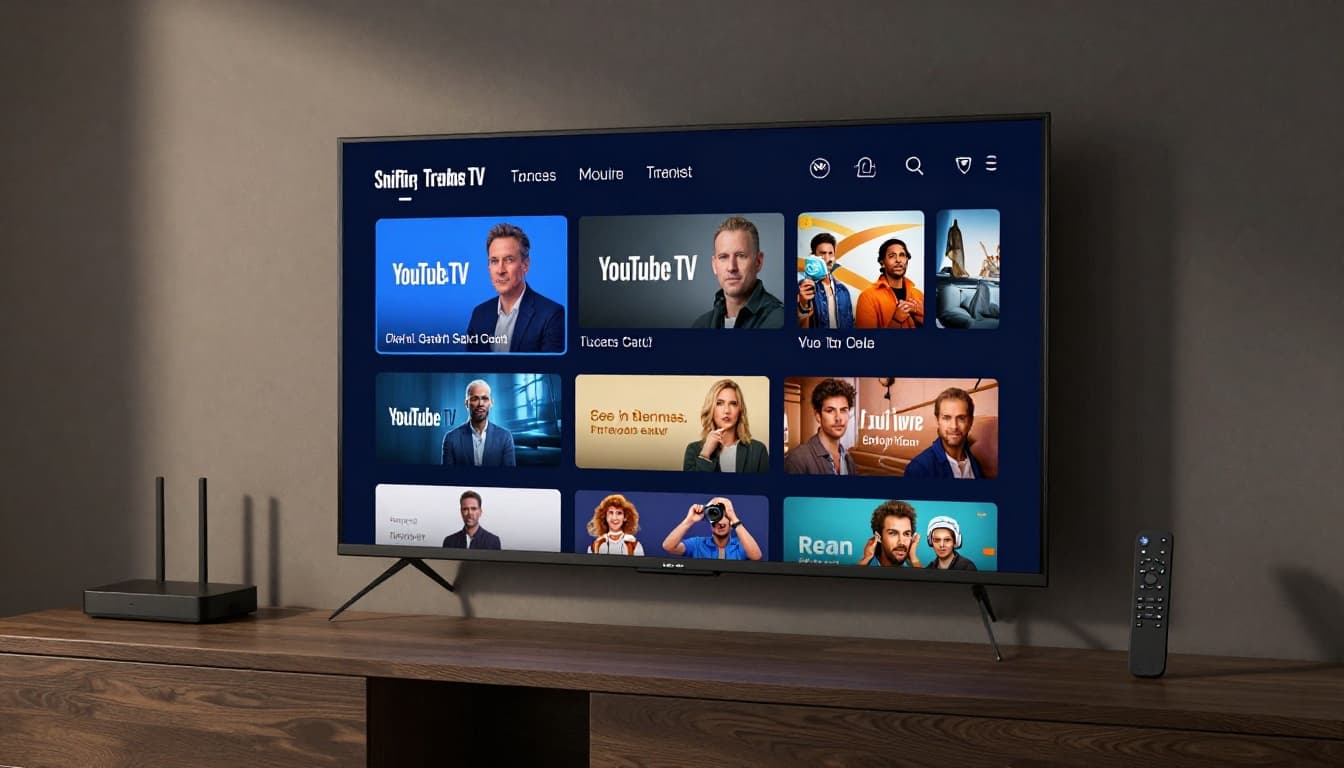
Many premium-friendly live TV options now work through streaming apps. That includes services like YouTube TV and Hulu Plus Live TV (when available in your area). You usually sign in, pick channels, and start watching on the same smart TV you already own.
Common devices include:
- Roku
- Amazon Fire TV
- Apple TV
- Android TV and Google TV
- Game consoles and mobile devices
In other words, the “box” becomes your streaming device, not a cable or satellite receiver.
Still, you should expect small differences. The app experience can vary by TV brand, internet speed, and local channel rights. In most cases, you get fewer equipment headaches. You also avoid the extra monthly rental fee some providers used to charge for hardware.
Here’s a quick comparison that matches what many US households see in 2026.
| Option | Does it usually need a set-top box? | Best fit if you want |
|---|---|---|
| Cable (premium channels) | Often yes | Traditional live channel lineup |
| Satellite (premium channels) | Often yes | Strong live sports coverage |
| Live TV streaming apps | Usually no | Watch on many devices easily |
| Over-the-air ATSC 3.0 | Sometimes | Better local broadcasts, no monthly TV bill |
The takeaway is simple: if your goal is to cut hardware clutter, app-based live TV is the most common route in 2026.
Key Regulations Driving Change
Even with streaming growth, some boxes still show up because providers invested in locked systems that control encryption and content rules.
Regulators have tried to loosen those barriers. For example, the FCC approved a “set-top box and app marketplace” proposal back in 2016 to reduce anti-competitive lock-in and support more device options. If you want the official framing, see FCC “Unlock the box” proposal.
In recent years, the FCC has continued looking at device and competition issues as video markets shift. However, as of March 2026, the latest activity still reads like gradual change, not a sudden replacement of all provider hardware.
At the same time, security rules don’t vanish. DRM and encryption still exist across broadcast and paid services. For NextGen TV specifically, encryption and access models can still block some channels depending on receiver support and protection rules. Antenna Land breaks down related DRM behavior in How NextGen TV DRM works.
And for another angle on broadcaster-controlled protection, see Broadcaster-controlled NextGen TV locks.
So, the real future isn’t “no locks.” It’s more choices about what kind of device holds the keys.
Final takeaway on when you need a set-top box
Some channels need set-top boxes because encryption and access control work best inside the provider’s trusted hardware. Signal processing also plays a role, especially for satellite and traditional pay-TV systems.
In March 2026, you can often skip set-top boxes if you pick live TV streaming apps that work on your smart TV or your streaming device. Cable and satellite premium packages tend to stay hardware-first for now.
If you’re tired of rental boxes, check what your specific plan requires. Then match it to how you actually watch, smart TV app or traditional provider hardware.
What do you use today, and did you have to add a box to get premium channels?